Accepting mDL
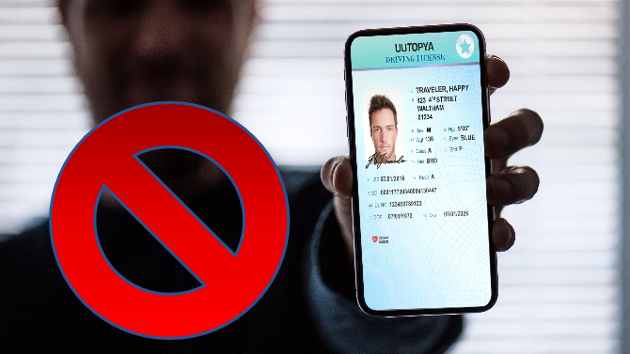
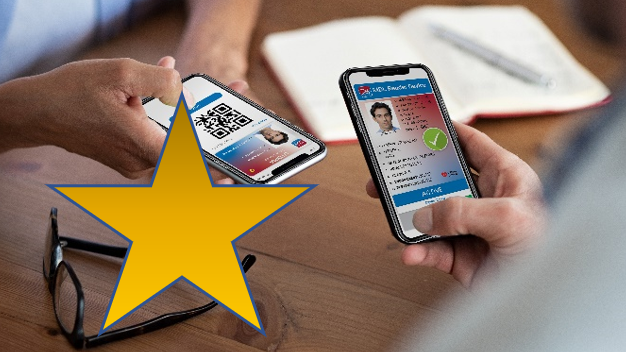
The mDL is a digitally signed electronic version of a government ID, carrying the issuer’s signature. To accept the mDL, you must check the digital signature using a standard verifier application to ensure authenticity. Never accept data from a customer’s phone screen, or handle the phone. Use a verifier application for a quick tap or scan. For some more detailed information on how the mDL works, read How to Use ISO 18013-5.
A good verifier app will interact with customers the way that fits your business process. GET Mobile Verify is available now for iOS and Android, with additional versions coming. You can also scan this QR code to download the app.